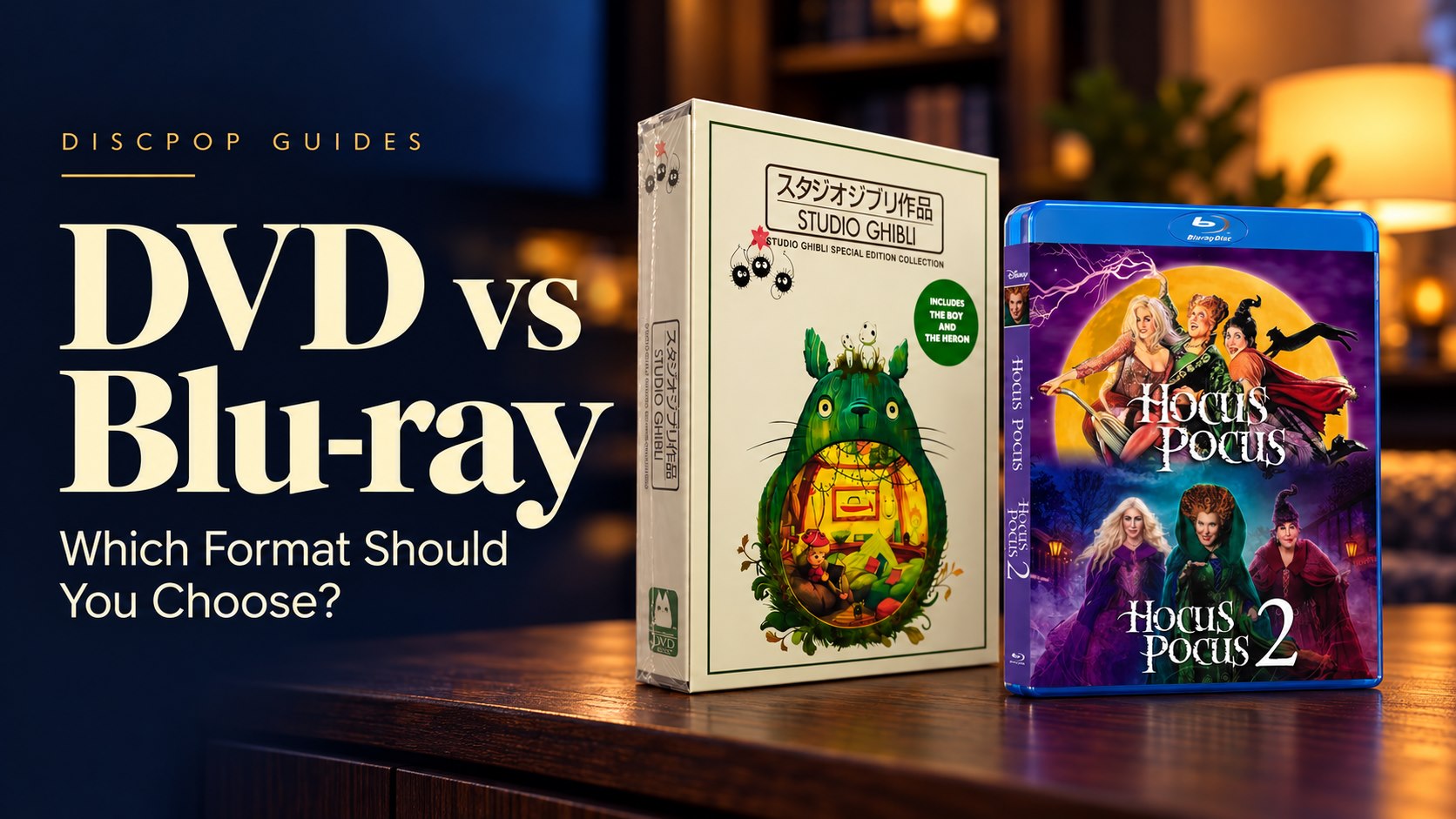
Choosing between DVD and Blu-ray starts with your player. Then compare the edition, included seasons, audio and subtitles to find the right release for your collection.
DVD vs Blu-ray at a Glance
| What to compare | DVD | Blu-ray |
|---|---|---|
| Picture format | Standard-definition video | Supports high-definition video |
| Player requirement | Compatible DVD or Blu-ray player | Compatible Blu-ray player |
| What affects picture quality? | Source material, transfer and playback setup | Source material, transfer and playback setup |
| What to check before buying | Edition, contents, region, audio and subtitles | Edition, contents, region, audio and subtitles |
A format label alone does not tell you everything about a release. Two editions of the same title may include different seasons, extras or language options.
When to Choose DVD
DVD can be a practical option if you already own a DVD player and want to keep using your current setup.
Compare the actual editions and prices. A lower price is only useful if the set includes the seasons or films you want.
Browse DVD Films & TV Collections →When to Choose Blu-ray
Consider Blu-ray if you have a compatible player and want a high-definition release.
The difference you see depends on the release, its source material, your screen and your viewing distance. Do not assume every Blu-ray edition will look equally sharp.
Explore Blu-ray Films & TV Collections →Five Things to Check Before Buying a Box Set
Included Seasons and Films
Read the listed contents carefully. A single-season release, a multi-season collection and a complete-series set are different purchases.
Disc Count
Disc count describes the package, but does not prove how many episodes are included. Check the season or episode information separately.
Region and Playback Compatibility
Check the disc’s region information against your player. Region compatibility is one part of playback compatibility; supported disc formats also matter.
Audio and Subtitles
Confirm the listed audio language and subtitle options for the exact edition you are ordering.
Delivery and Return Information
For birthdays or holidays, allow time for both dispatch and delivery. Read the return conditions before opening the packaging.
Frequently Asked Questions
Can I play Blu-ray discs on a DVD player?
No. You need a compatible Blu-ray player to play Blu-ray discs.
Can a Blu-ray player play DVDs?
Generally, yes. Check your player’s manual for supported DVD formats and region restrictions.
Does “region free” mean a Blu-ray will work in a DVD player?
No. Region coding and disc format are separate. A region-free Blu-ray still needs a compatible Blu-ray player.
Does a larger disc count mean a more complete collection?
No. Compare the listed seasons, episodes and films. Disc count alone does not establish the contents.
Find Your Next Movie Night
Start with your player, then compare the contents and language options of the editions available.
Questions? Email: [email protected]
Further reading: Sony: supported disc types and Sony: disc playback troubleshooting. Check the manual for your own player model.